How to Convert More Visits into Sales with WooCommerce in 2026
Optimize Your Product Pages for Maximum Impact
Your product page is where buying decisions are made. In 2026, shoppers expect more than a photo and a price — they want clarity, trust, and speed. Start by writing benefit-driven product descriptions that answer the question 'what's in it for me?' instead of just listing features. Use high-resolution images with zoom functionality and include short video demonstrations where possible, as video content on product pages has been shown to increase conversions by up to 80%. Add social proof elements like star ratings, verified purchase reviews, and the number of recent buyers directly below the product title. Ensure your Add to Cart button is above the fold, uses a contrasting color, and has clear, action-oriented copy such as 'Get Yours Today' instead of the generic default. Also, enable WooCommerce's built-in structured data so your products appear with rich snippets in Google search results, increasing click-through rates before users even reach your site. Finally, check your page load time — every additional second of load time reduces conversions by approximately 7%.
Reduce Cart Abandonment with Smart Recovery Tactics
Cart abandonment is one of the biggest revenue leaks for any WooCommerce store. The global average cart abandonment rate sits around 70%, meaning seven out of ten shoppers who add products to their cart never complete the purchase. In 2026, recovering even a fraction of those users can dramatically change your bottom line. First, implement an exit-intent popup that triggers when the user moves their cursor toward closing the tab. Offer a small incentive such as free shipping or a 5% discount to nudge them back. Second, set up automated cart abandonment email sequences using tools like AutomateWoo or Klaviyo. A three-email sequence sent at 1 hour, 24 hours, and 72 hours after abandonment consistently recovers between 5% and 15% of lost sales. Third, enable guest checkout without forcing account creation, as mandatory registration is one of the top reasons users abandon carts. Also, display a progress indicator during checkout to reduce anxiety and make the process feel shorter. Trust badges near the payment section, such as SSL certificates and accepted payment icons, further reduce hesitation at the final step.
Leverage Personalization and Upselling in WooCommerce
Personalization is no longer a luxury reserved for enterprise ecommerce platforms. In 2026, WooCommerce store owners have access to powerful tools that allow them to deliver tailored experiences at scale. Start with WooCommerce's built-in related products feature and customize it to show complementary items based on the product being viewed rather than random suggestions. Pair this with a post-purchase upsell flow using a plugin like WooFunnels or CartFlows, which allows you to present a one-click upsell offer immediately after checkout without requiring the customer to re-enter payment details. This single tactic can increase average order value by 20% to 35%. On the product page itself, implement a 'Frequently Bought Together' section similar to Amazon's approach — bundling complementary products with a small discount encourages larger basket sizes. For returning customers, use behavioral data to surface previously viewed or wishlisted items via email or on-site banners. Segment your email list by purchase history and send targeted campaigns with product recommendations based on what each segment has bought before. Personalization drives repeat purchases and significantly improves customer lifetime value.
Speed Up Checkout and Build Trust Signals Throughout
A frictionless checkout experience is essential for WooCommerce conversions in 2026. Start by enabling the WooCommerce Block-based checkout, which is faster and more mobile-friendly than the classic shortcode checkout. Reduce the number of form fields to the absolute minimum — only ask for what you truly need to process the order. Integrate popular payment methods beyond credit cards: PayPal, Apple Pay, Google Pay, and Buy Now Pay Later options like Klarna or Afterpay are now expected by a large segment of online shoppers, and offering them can increase conversions by up to 30%. Trust signals must appear throughout the entire customer journey, not just at checkout. Display security badges, money-back guarantees, and free return policies prominently on your homepage, category pages, and product pages. Show real-time stock levels with messages like 'Only 3 left in stock' to create urgency without being manipulative. For mobile users, which now account for over 60% of ecommerce traffic, ensure your checkout is fully optimized with large tap targets, autofill support, and a clean single-column layout. Test your full checkout flow on multiple devices monthly to catch any friction points before they cost you sales.
Use SEO and Analytics Data to Find and Fix Conversion Leaks
Many WooCommerce store owners focus entirely on driving new traffic without analyzing what is happening to existing visitors. In 2026, a data-driven approach to conversion rate optimization is what separates growing stores from stagnant ones. Start by connecting WooCommerce to Google Analytics 4 with enhanced ecommerce tracking enabled. Analyze your funnel reports to see exactly where users are dropping off — whether that is on the product page, during checkout step two, or at the payment screen. Use heatmap tools like Hotjar or Microsoft Clarity to watch recordings of real user sessions and identify confusing UI elements or broken flows. From an SEO perspective, ensure your category and product pages are targeting keywords with purchase intent. Informational keywords bring readers, but transactional keywords like 'buy,' 'best,' 'cheap,' and 'deal' bring buyers. Audit your internal linking structure to ensure your highest-converting product pages receive the most link equity from your blog content and homepage. Run monthly A/B tests on your most visited product pages, testing elements like button color, headline copy, image layout, and pricing presentation. Small, consistent improvements compound over time and can double your conversion rate within six to twelve months without spending a single additional dollar on advertising.
❓ Preguntas frecuentes
What is a good conversion rate for a WooCommerce store in 2026?
The average ecommerce conversion rate sits between 1% and 3%, but top-performing WooCommerce stores achieve 4% to 6% or higher. If you are below 1%, focus first on trust signals, page speed, and checkout simplification before investing more in traffic acquisition.
Which WooCommerce plugins help increase conversions the most?
The most impactful plugins for boosting WooCommerce conversions include CartFlows or WooFunnels for checkout optimization and upsells, AutomateWoo or Klaviyo for cart abandonment emails, YITH WooCommerce Wishlist for recovering intent, and a review plugin like Judge.me to build social proof. Always test plugins one at a time to measure their individual impact.
How do I reduce cart abandonment in WooCommerce without paid tools?
You can reduce cart abandonment for free by enabling guest checkout, simplifying your checkout form fields, adding trust badges, and displaying clear shipping costs early in the process. WooCommerce also has basic email notification settings you can use to manually follow up, though a dedicated automation plugin will deliver significantly better results.
Does page speed really affect WooCommerce sales?
Yes, absolutely. Studies consistently show that a one-second delay in page load time can reduce conversions by 7% and increase bounce rates significantly. For WooCommerce stores, use a fast hosting provider, enable caching with a plugin like WP Rocket, optimize images using WebP format, and use a lightweight theme to keep load times under two seconds.
¿Listo para optimizar tu tienda?
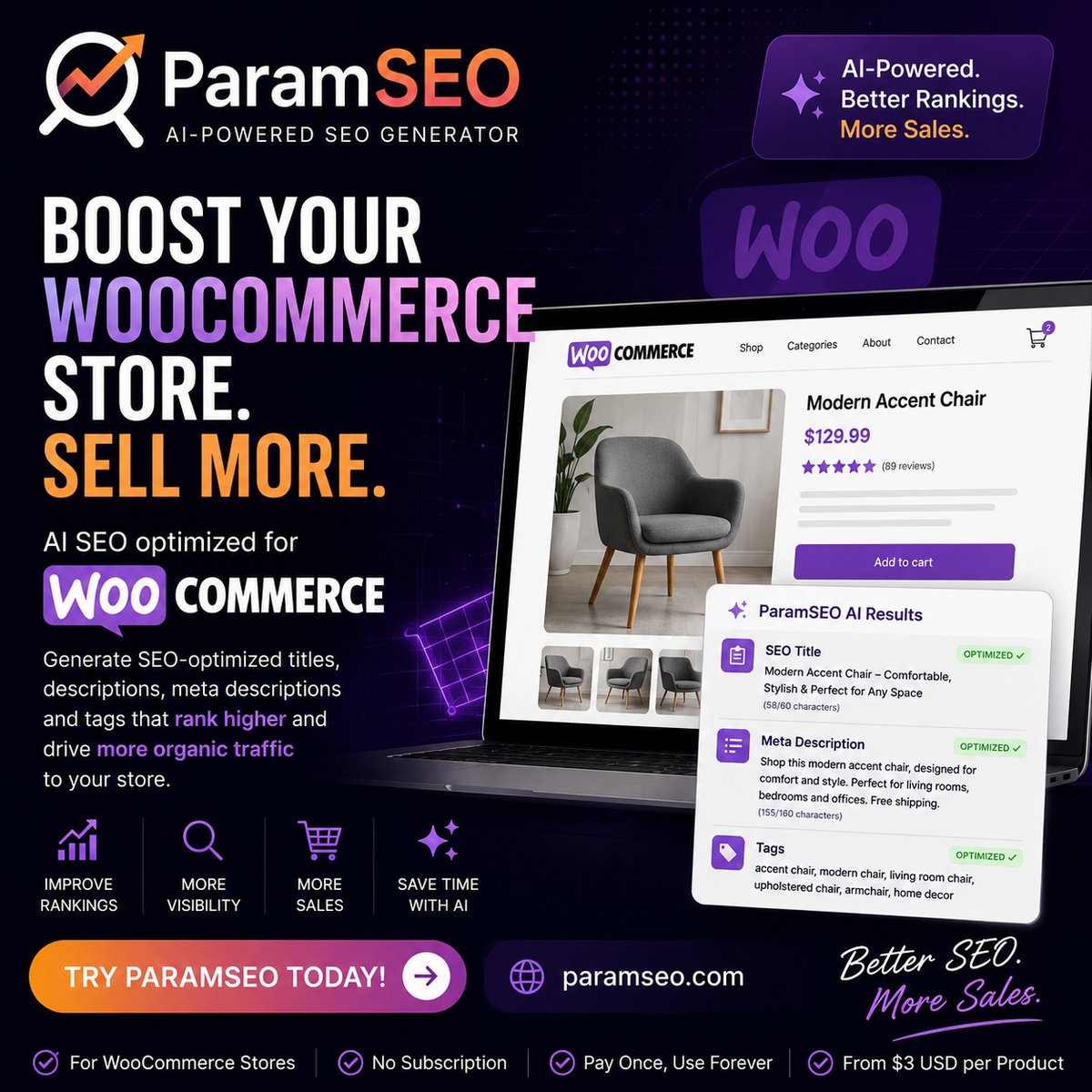
Ready to take your WooCommerce store's SEO and conversion strategy to the next level? Try ParamSEO and start making data-driven decisions that turn traffic into real revenue.
✨ Empezar gratis →